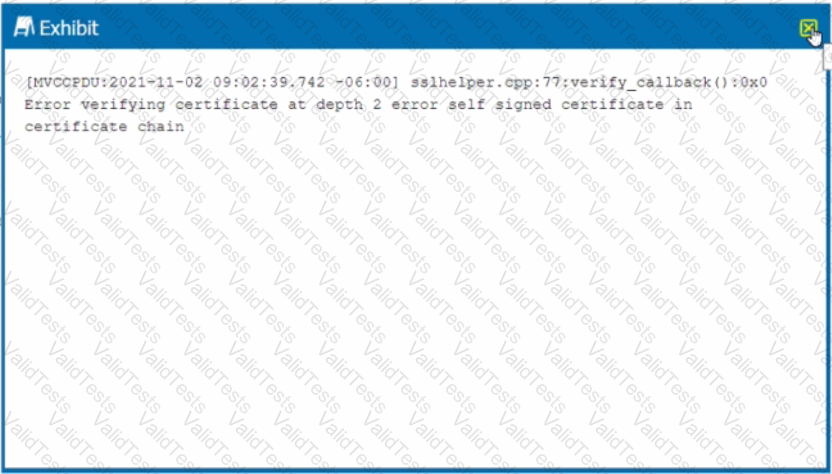
The error message in the exhibit represents that there is an upstream device trying to intercept the NPA TLS connection. The error message is “ERROR SSL certificate verification failed: self signed certificate in certificate chain”. This means that the Netskope client is receiving a certificate that is not issued by Netskope, but by a device that is intercepting and decrypting the traffic between the client and the Netskope cloud. This can cause the client to fail to establish a secure connection to the NPA service and access the private applications4. To solve this problem, you need to either bypass or trust the upstream device that is performing SSL decryption, such as a firewall or proxy5. Therefore, option D is correct and the other options are incorrect. References: Troubleshooting Netskope Client - Netskope Knowledge Portal, Netskope Client Troubleshooting Guide - The Netskope Community
Contribute your Thoughts:
Chosen Answer:
This is a voting comment (?). You can switch to a simple comment. It is better to Upvote an existing comment if you don't have anything to add.



Submit