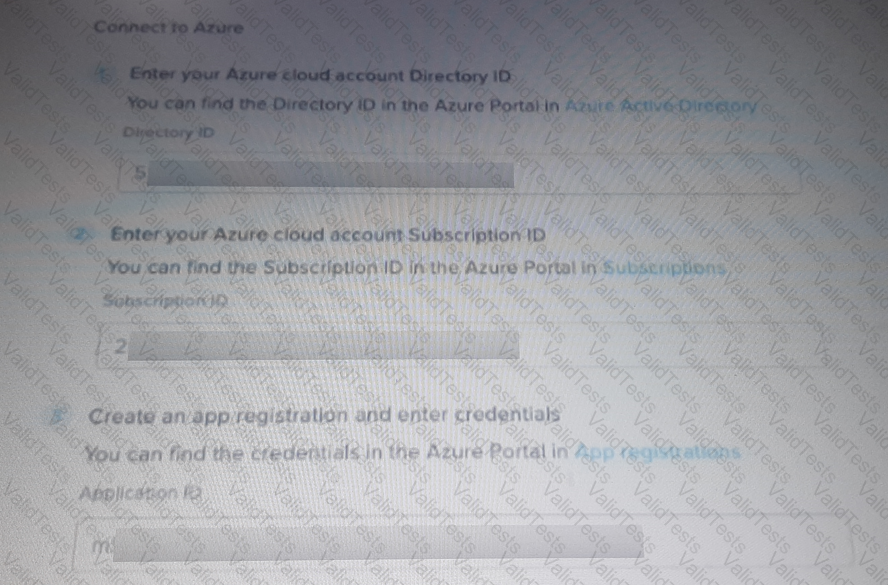
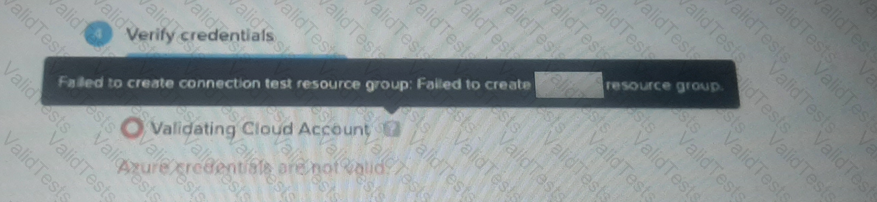
To troubleshoot the error shown in the exhibit where Azure credentials are not valid and the creation of the resource group failed, the administrator should:
Verify that the Azure AD App registration has been correctly configured, especially the Client Secret.
Ensure that the Client Secret is valid, has not expired, and matches what has been entered in the configuration.
This step is crucial because an invalid or expired Client Secret would prevent the validation of Azure credentials and the creation of necessary resources.
References
Azure AD App Registration and Secrets Management
Nutanix Cluster Configuration Documentation
Contribute your Thoughts:
Chosen Answer:
This is a voting comment (?). You can switch to a simple comment. It is better to Upvote an existing comment if you don't have anything to add.



Submit