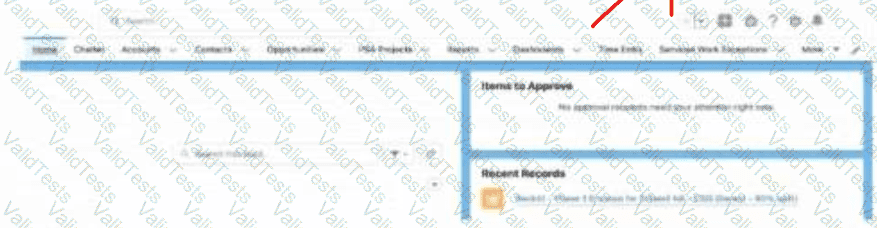
Selecting the personalization button (pencil icon), then clicking and dragging the item name up or down to adjust its location is the correct way to customize the items on the navigation bar, as shown in the screenshot.
Contribute your Thoughts:
Chosen Answer:
This is a voting comment (?). You can switch to a simple comment. It is better to Upvote an existing comment if you don't have anything to add.



Submit