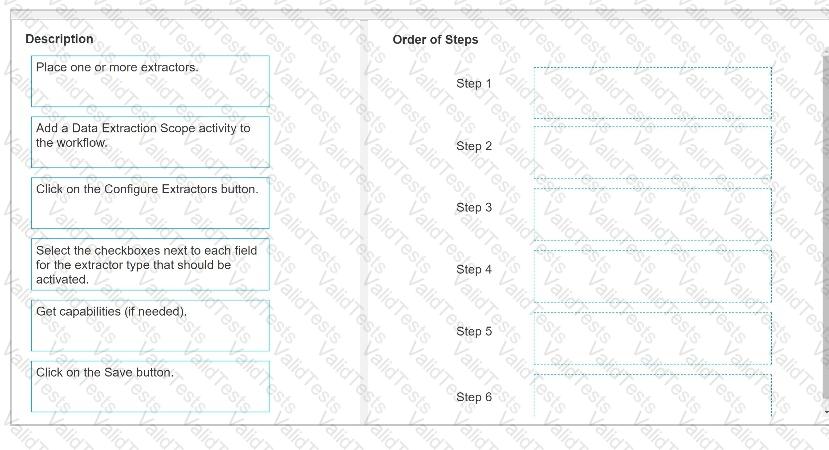
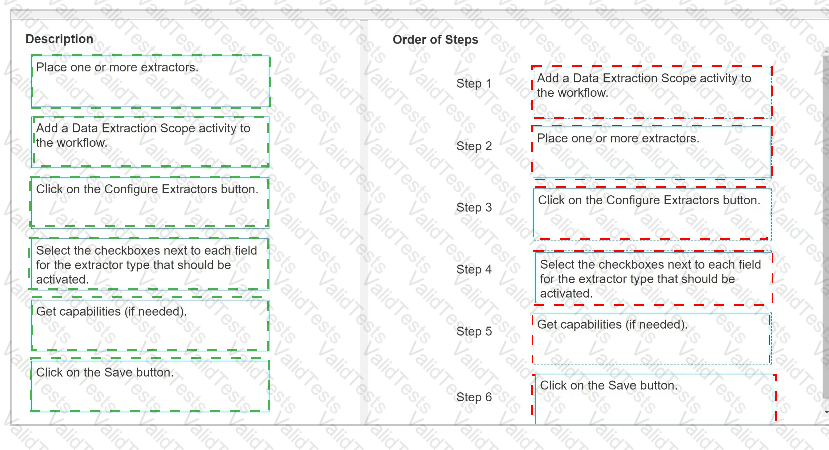
Here is the correct order to configure the Extractor Wizard in UiPath Document Understanding:
Step 1: Add a Data Extraction Scope activity to the workflow.Step 2: Place one or more extractors.Step 3: Click on the Configure Extractors button.Step 4: Select the checkboxes next to each field for the extractor type that should be activated.Step 5: Get capabilities (if needed).Step 6: Click on the Save button.
This sequence ensures that the Extractor Wizard is correctly configured to work with the Document Understanding workflow.
Contribute your Thoughts:
Chosen Answer:
This is a voting comment (?). You can switch to a simple comment. It is better to Upvote an existing comment if you don't have anything to add.



Submit