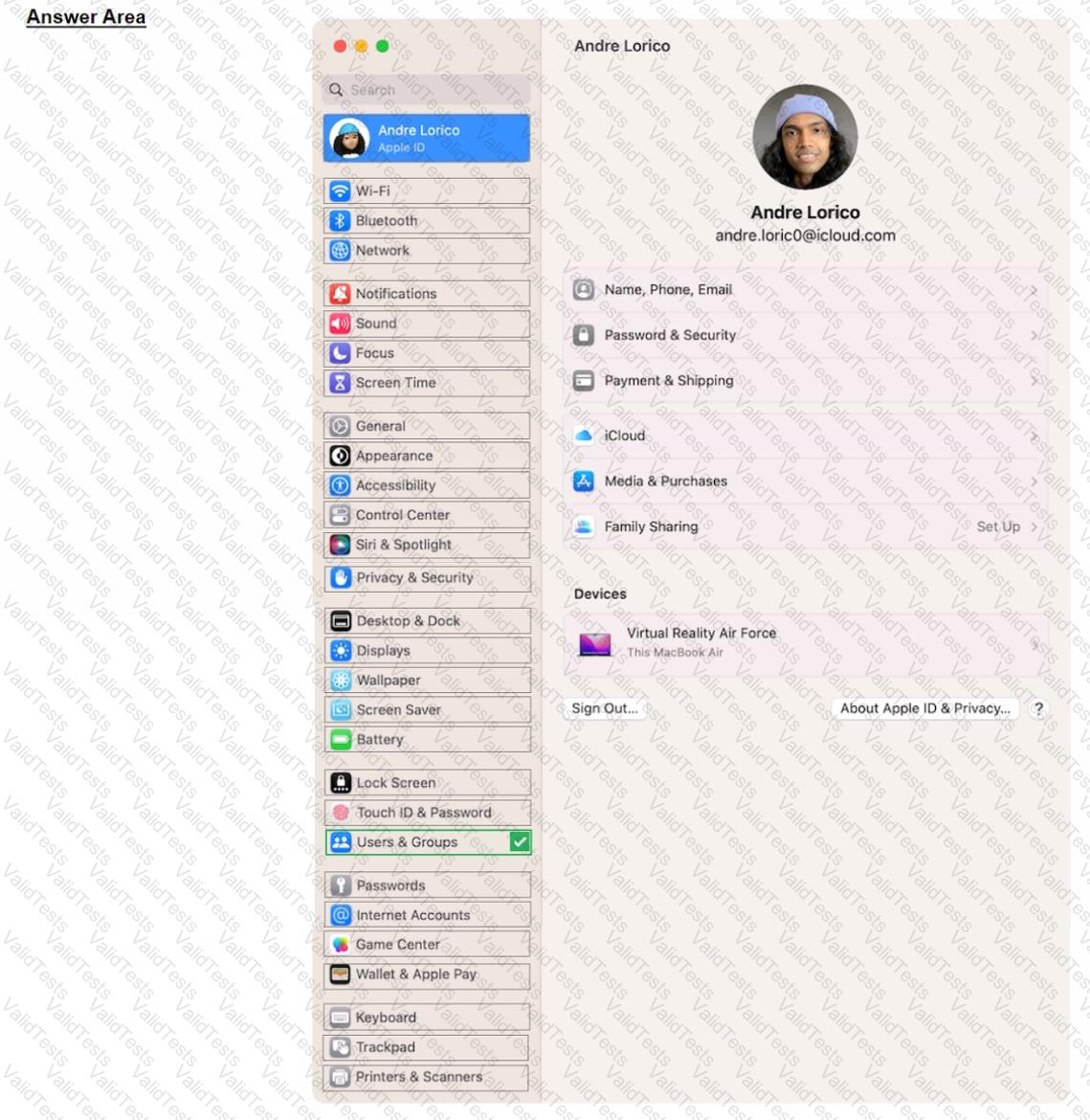
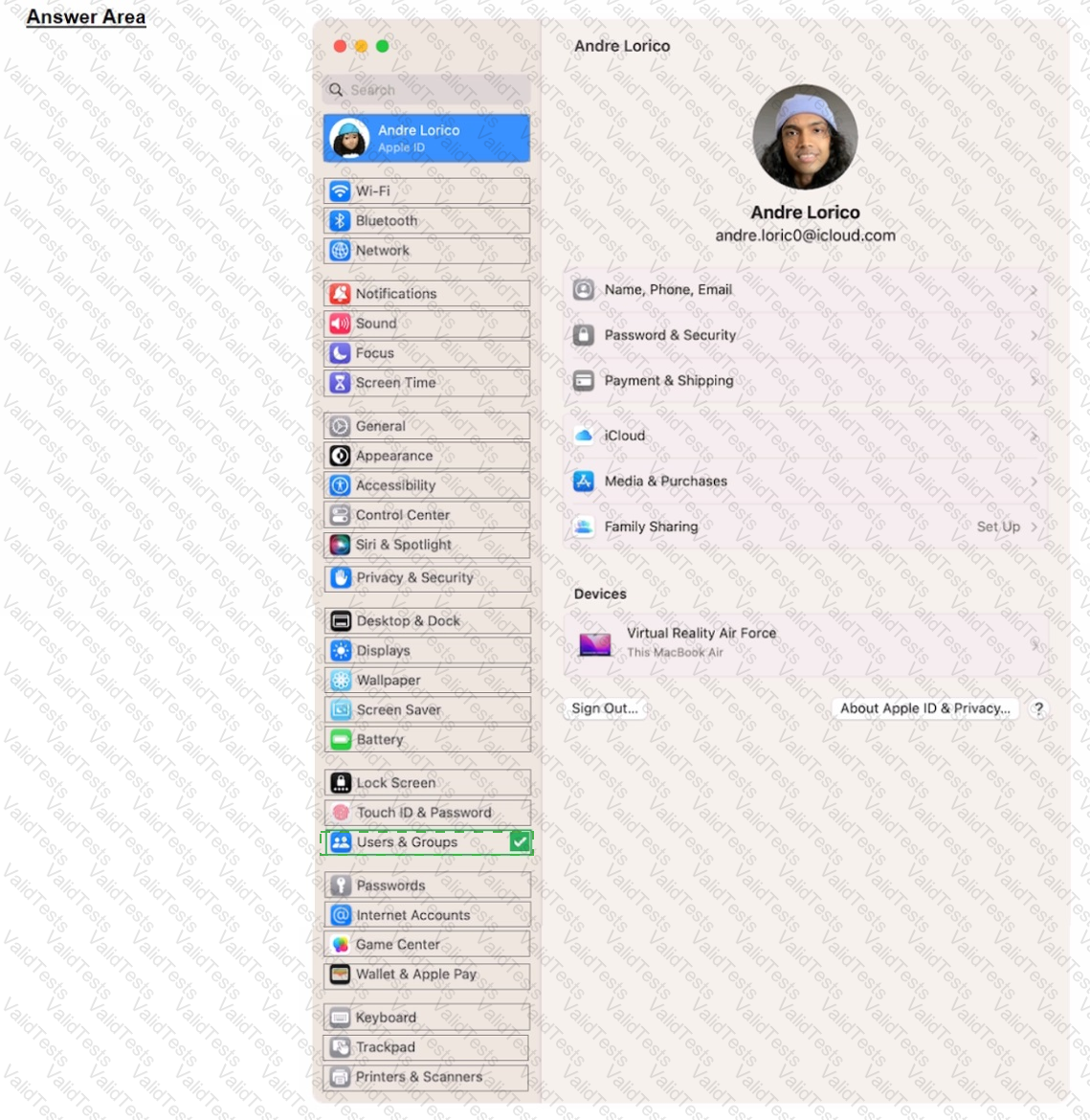
On your Mac, choose Apple menu > System Settings, then click Users & Groups in the sidebar. (You may need to scroll down.) Click the Infobutton next to the user or group you want to delete, then click Delete User or Delete Group. Note: If a user is logged in to this Mac now, you can't select them.
Contribute your Thoughts:
Chosen Answer:
This is a voting comment (?). You can switch to a simple comment. It is better to Upvote an existing comment if you don't have anything to add.



Submit