Create a persistent volume with name app-data, of capacity 2Gi and access mode ReadWriteMany. The type of volume is hostPath and its location is /srv/app-data.
Score: 4%
Task
Scale the deployment presentation to 6 pods.
You must connect to the correct host.
Failure to do so may result in a zero score.
[candidate@base] $ ssh Cka000060
Task
Install Argo CD in the cluster by performing the following tasks:
Add the official Argo CD Helm repository with the name argo
The Argo CD CRDs have already been pre-installed in the cluster
Generate a template of the Argo CD Helm chart version 7.7.3 for the argocd namespace and save it to ~/argo-helm.yaml . Configure the chart to not install CRDs.
You must connect to the correct host.
Failure to do so may result in a zero score.
[candidate@base] $ ssh Cka000037
Context
A legacy app needs to be integrated into the Kubernetes built-in logging architecture (i.e.
kubectl logs). Adding a streaming co-located container is a good and common way to
accomplish this requirement.
Task
Update the existing Deployment synergy-leverager, adding a co-located container named sidecar using the busybox:stable image to the existing Pod . The new co-located container has to run the following command:
/bin/sh -c "tail -n+1 -f /var/log/syne
rgy-leverager.log"
Use a Volume mounted at /var/log to make the log file synergy-leverager.log available to the co-
located container .
Do not modify the specification of the existing container other than adding the required volume mount .
Failure to do so may result in a reduced score.
Score: 13%
Task
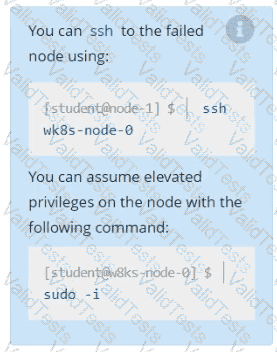
A Kubernetes worker node, named wk8s-node-0 is in state NotReady. Investigate why this is the case, and perform any appropriate steps to bring the node to a Ready state, ensuring that any changes are made permanent.
Check the Image version of nginx-dev pod using jsonpath
You must connect to the correct host.
Failure to do so may result in a zero score.
[candidate@base] $ ssh Cka000022
Task
Reconfigure the existing Deployment front-end in namespace spline-reticulator to expose port 80/tcp of the existing container nginx .
Create a new Service named front-end-svc exposing the container port 80/tcp .
Configure the new Service to also expose the individual Pods via a NodePort .
List the nginx pod with custom columns POD_NAME and POD_STATUS
List all the pods showing name and namespace with a json path expression
Get list of all pods in all namespaces and write it to file “/opt/pods-list.yaml”


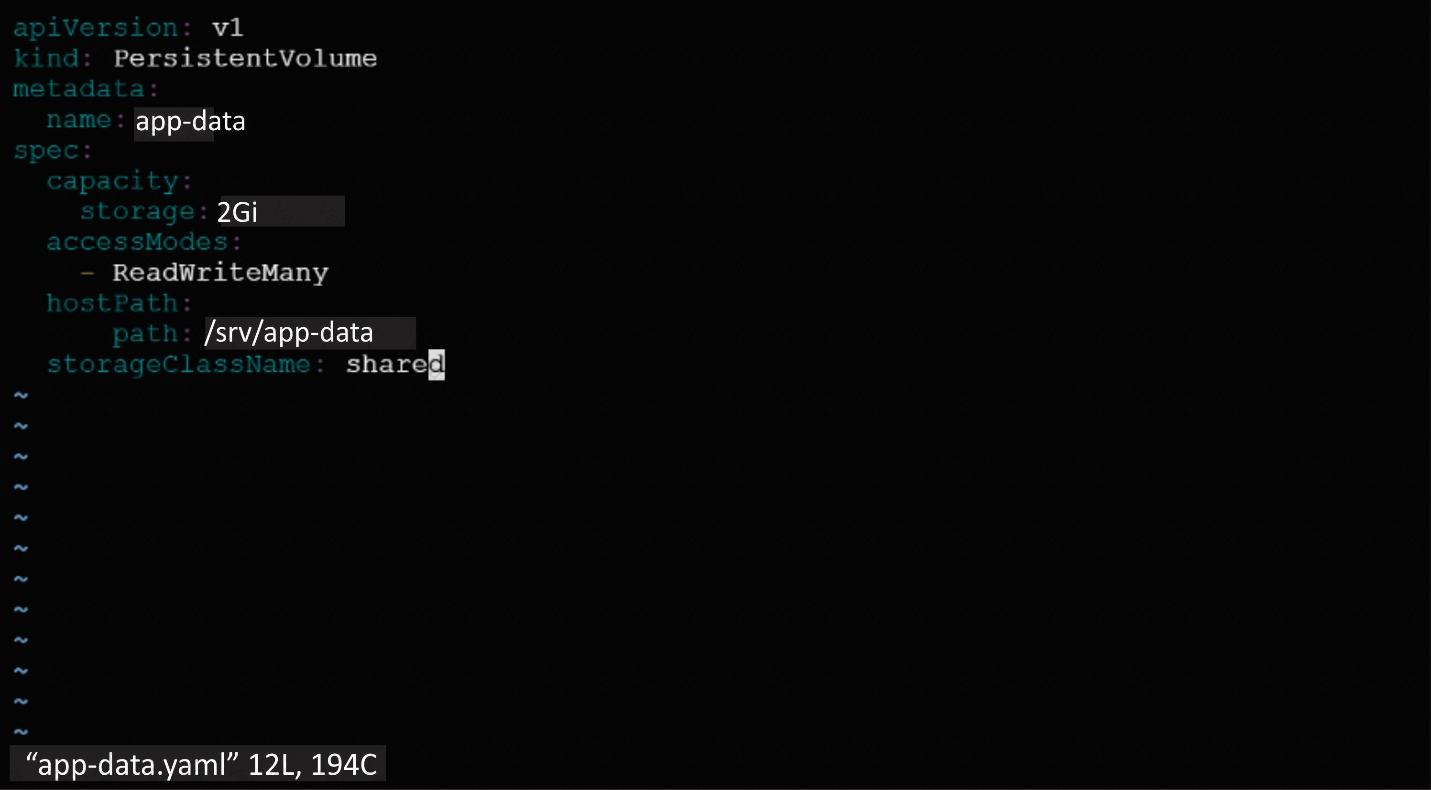
 Image for post
 Image for post
 Image for post