Task
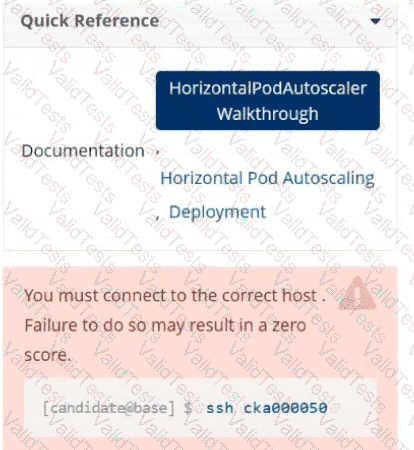
Create a new HorizontalPodAutoscaler (HPA ) named apache-server in the autoscale
namespace. This HPA must target the existing Deployment called apache-server in the
autoscale namespace.
Set the HPA to aim for 50% CPU usage per Pod . Configure it to have at least 1 Pod and no more than 4 Pods . Also, set the downscale stabilization window to 30 seconds.
Score: 4%
Task
Create a pod named kucc8 with a single app container for each of the following images running inside (there may be between 1 and 4 images specified): nginx + redis + memcached .
Score: 5%
Task
From the pod label name=cpu-utilizer, find pods running high CPU workloads and write the name of the pod consuming most CPU to the file /opt/KUTR00401/KUTR00401.txt (which already exists).
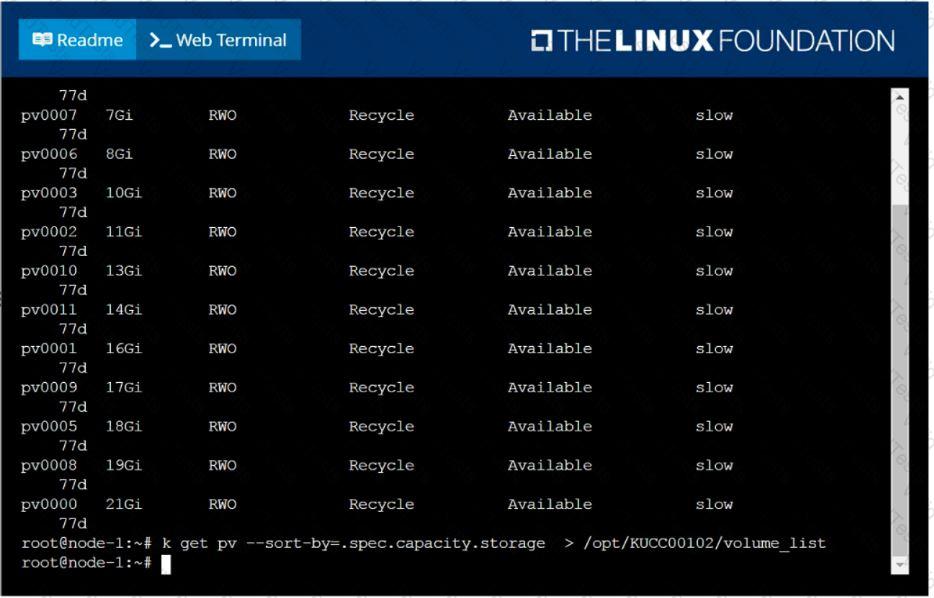
List all persistent volumes sorted by capacity, saving the full kubectl output to /opt/KUCC00102/volume_list. Use kubectl 's own functionality for sorting the output, and do not manipulate it any further.
Print pod name and start time to “/opt/pod-status” file
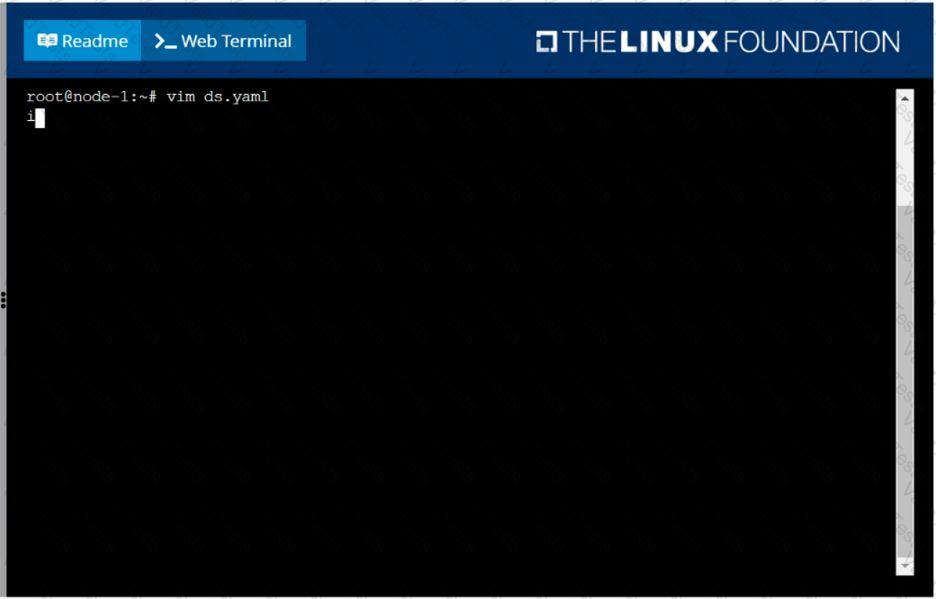
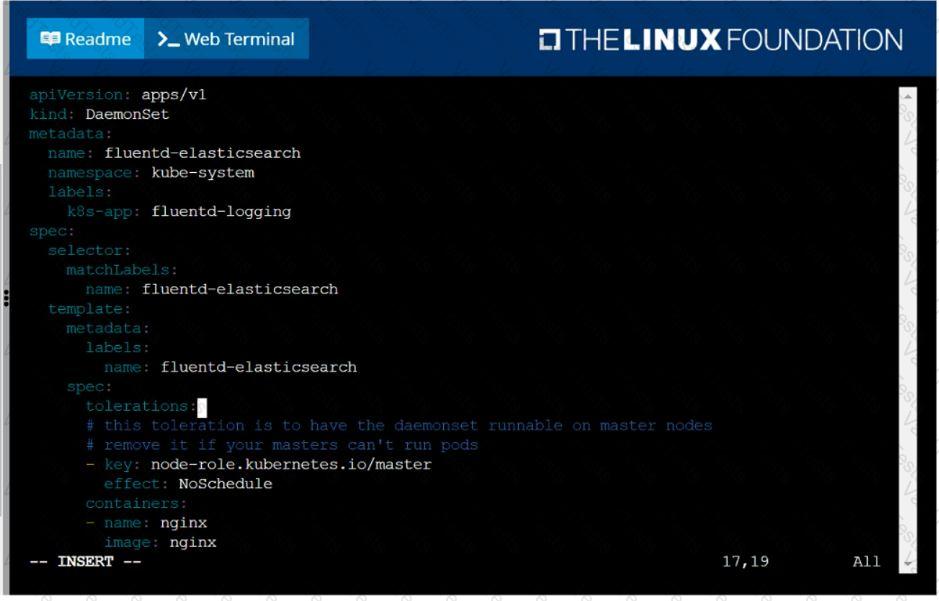
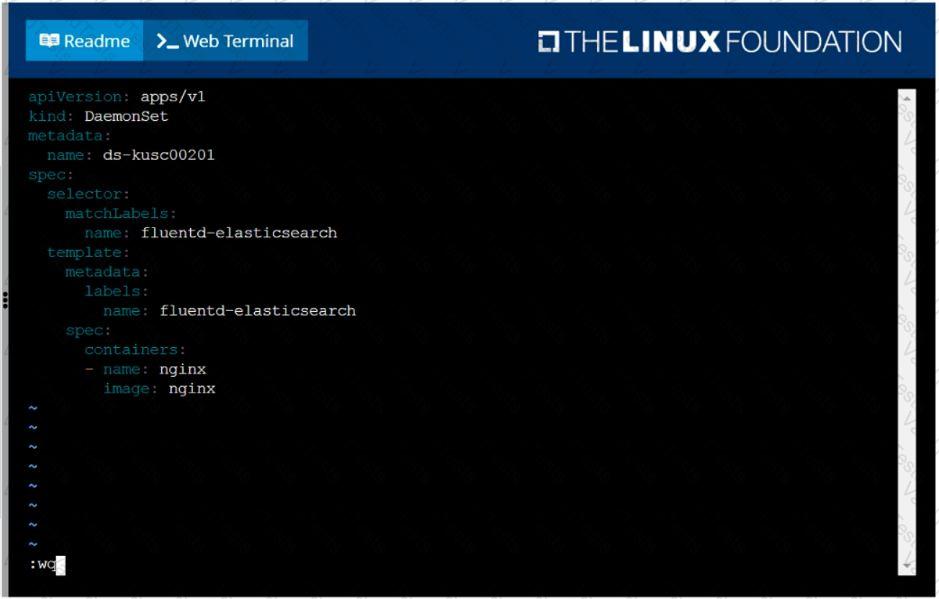
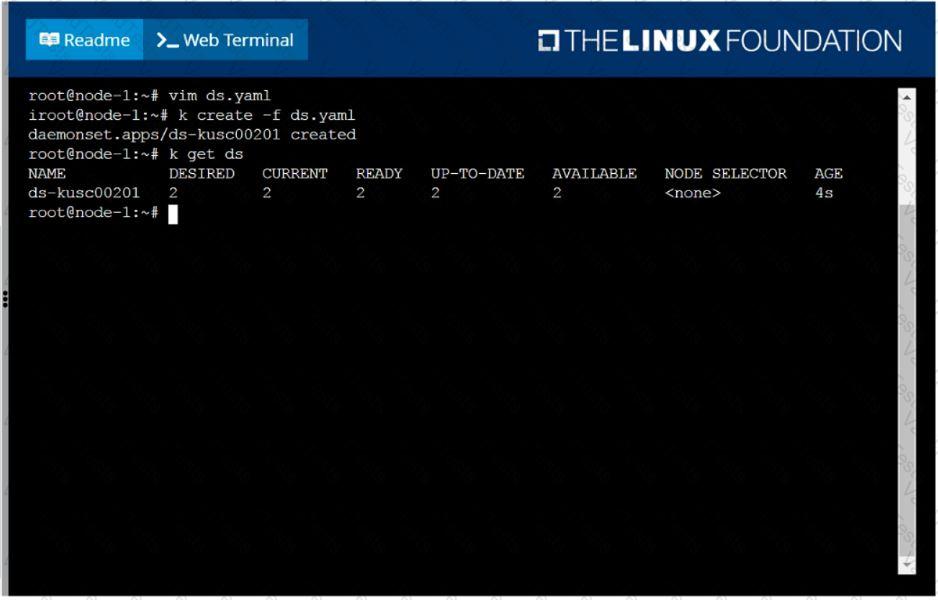
Ensure a single instance of pod nginx is running on each node of the Kubernetes cluster where nginx also represents the Image name which has to be used. Do not override any taints currently in place.
Use DaemonSet to complete this task and use ds-kusc00201 as DaemonSet name.
List all the pods sorted by name
Score: 4%
Task
Create a persistent volume with name app-data , of capacity 1Gi and access mode ReadOnlyMany. The type of volume is hostPath and its location is /srv/app-data .
Create a nginx pod with label env=test in engineering namespace
List the nginx pod with custom columns POD_NAME and POD_STATUS


 F:\Work\Data Entry Work\Data Entry\20200827\CKA\2 C.JPG
 F:\Work\Data Entry Work\Data Entry\20200827\CKA\3 B.JPG
 F:\Work\Data Entry Work\Data Entry\20200827\CKA\3 C.JPG
 F:\Work\Data Entry Work\Data Entry\20200827\CKA\3 D.JPG
 F:\Work\Data Entry Work\Data Entry\20200827\CKA\3 E.JPG